A quiet pill beside the notch
While Claude Code, Codex or Cursor is working, a ring and a percentage sit next to the notch. When nothing's running, it disappears.


For Claude Code, Codex, Cursor and Grok
Agent Limit sits beside your MacBook's notch and shows how much of your session and weekly allowance is left, and whether you'll run out before it resets.
One-time payment · macOS 14 Sonoma or later · See it in action
No windows to open, no dashboards to check. Your limits live where your eyes already go.
While Claude Code, Codex or Cursor is working, a ring and a percentage sit next to the notch. When nothing's running, it disappears.
The notch opens to show session and weekly meters, reset times, and the project you're working on. Scroll to switch tools.
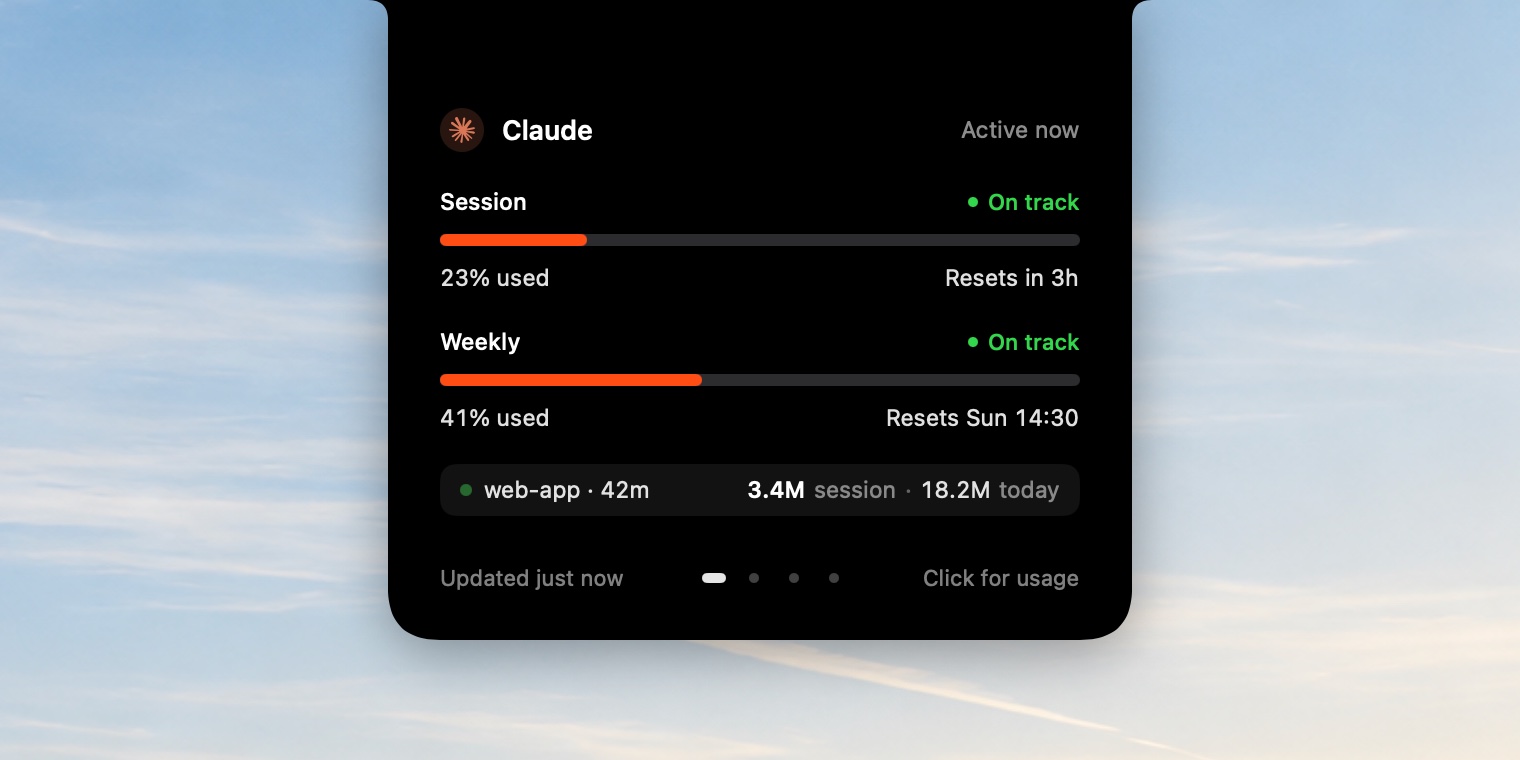
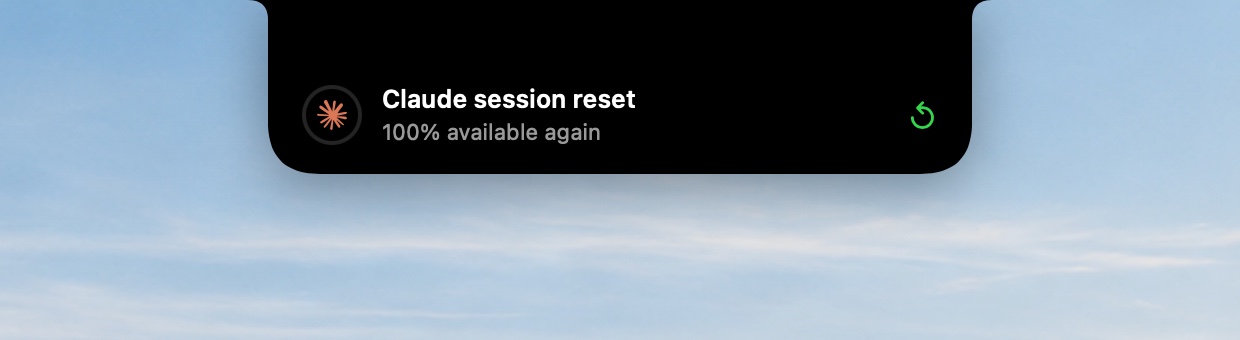
At 75%, 90% and 100%, the notch drops down with a short alert. It tells you again when the window resets.

Pace
A percentage alone doesn't tell you much. 60% used is fine at hour four, and a problem at hour one. Agent Limit compares your usage with the time that's passed and tells you plainly.
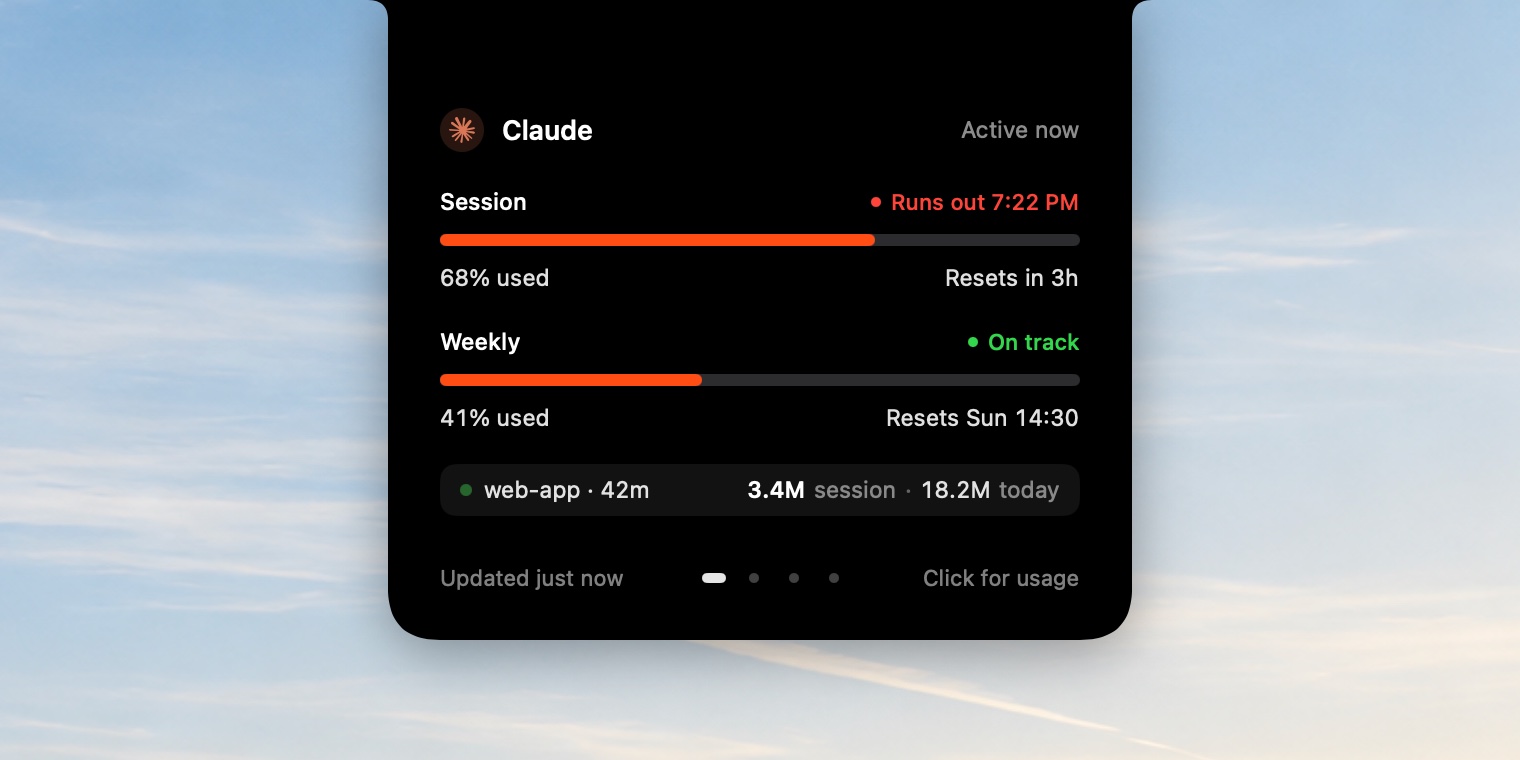


No notification banners piling up in a corner. Each alert slides down, says one thing, and slides back.


Agent Limit reads the sign-ins already on your Mac. Nothing to paste for Claude, Codex or Cursor.
5-hour session and weekly limits, from your Claude Code sign-in.
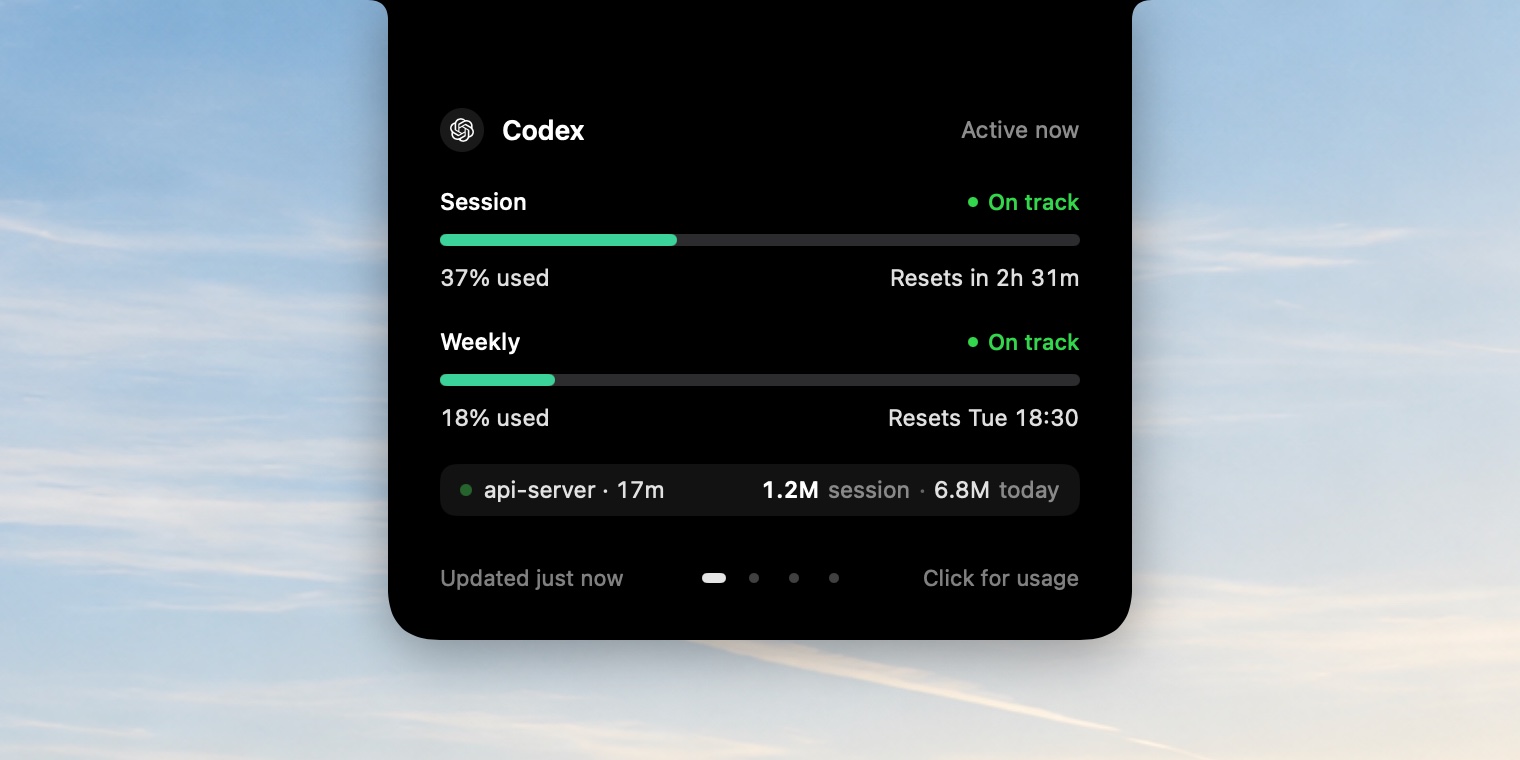
Session and weekly limits, from your Codex CLI sign-in.
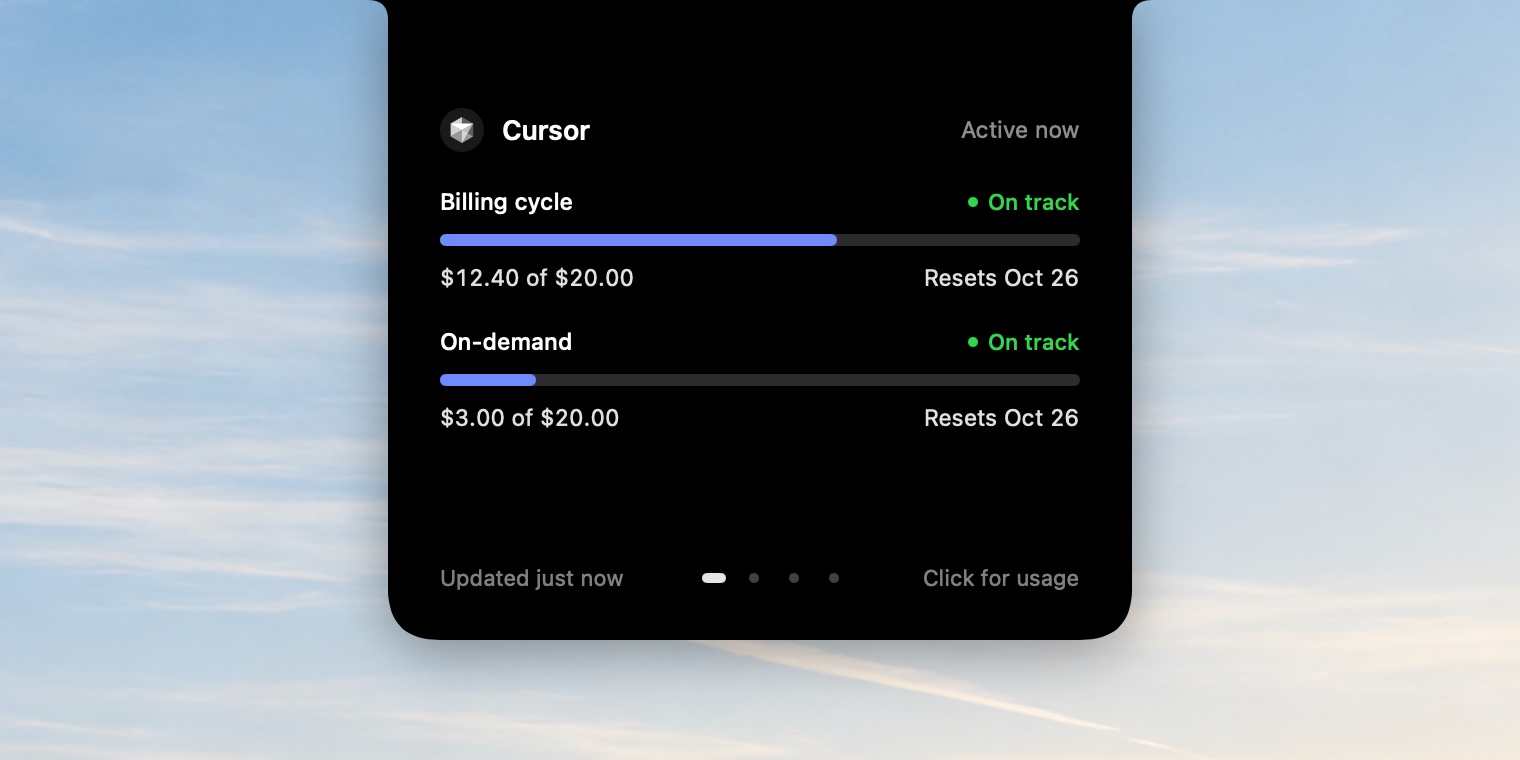
Your billing cycle and on-demand spend, from the Cursor app.
Monthly API spend against a budget you set. Add an xAI management key once; it's kept in your Keychain.
Your sign-ins, untouched. Agent Limit reads the tokens your tools already saved. It never refreshes or rewrites them.
Sent nowhere else. Each token only goes to that provider's own server. The app's only other request checks your license key.
Keys in the Keychain. The one key you add yourself, for Grok, is stored in the macOS Keychain.
Pay once and keep every limit in view. No subscription, no tiers.
One-time payment
Buy nowSecure checkout by Dodo Payments.
Your license key arrives by email.
Everything in Agent Limit
Buy once for $5.99 and you'll get a license key by email. Open Agent Limit, paste the key, and the app unlocks. It checks the key quietly when it starts, and keeps working if you're offline.
Yes. Open Settings on the old Mac and choose Deactivate, then enter the same key on the new one.
Claude (Claude Code), OpenAI Codex, Cursor and Grok. Claude and Codex show 5-hour session and weekly limits, Cursor shows your billing cycle and on-demand spend, and Grok shows monthly API spend against a budget you choose.
Not for Claude, Codex or Cursor. Agent Limit reuses the sign-in each tool already stored on your Mac. Grok needs an xAI management key and team ID, entered once in Settings.
You've used more than the time that's passed would suggest, but not by enough to say you'll run out. If the gap grows, it turns red and tells you when you're projected to hit the limit.
When a coding agent is active: a running claude, codex, grok or cursor-agent process, Cursor in front, or recent session activity. Hover the notch any time to see the full view.
They come straight from each provider's own usage data. Some of those sources aren't officially documented, so if a provider changes theirs, an update may be needed.
A Mac running macOS 14 Sonoma or later. It's designed around the MacBook notch.
Know where every limit stands, without leaving what you're doing.
One-time payment · macOS 14 Sonoma or later · Already bought? Download the app and paste your key.